Your cameras already know.
Visendri AI turns the cameras your store already has into plain numbers on service, shoppers and loss.
It runs on one PC in your store and the video never leaves. There is no face recognition.
Made for stores from one shop to fifty
5 storeslive since September 2026
Caffelytics runs in 5 stores of a US ice cream franchise, beside TecHub’s Orda voice agent.
About us- Works with your cameras
- No face recognition
- Video stays in the store
Three modules in one store app
Lines, measured
Caffelytics Line
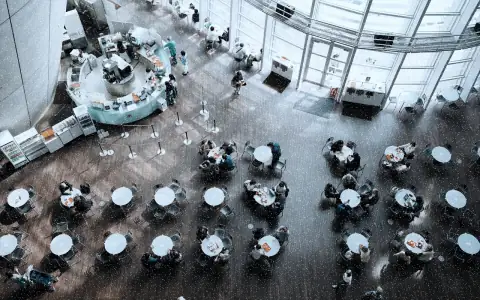
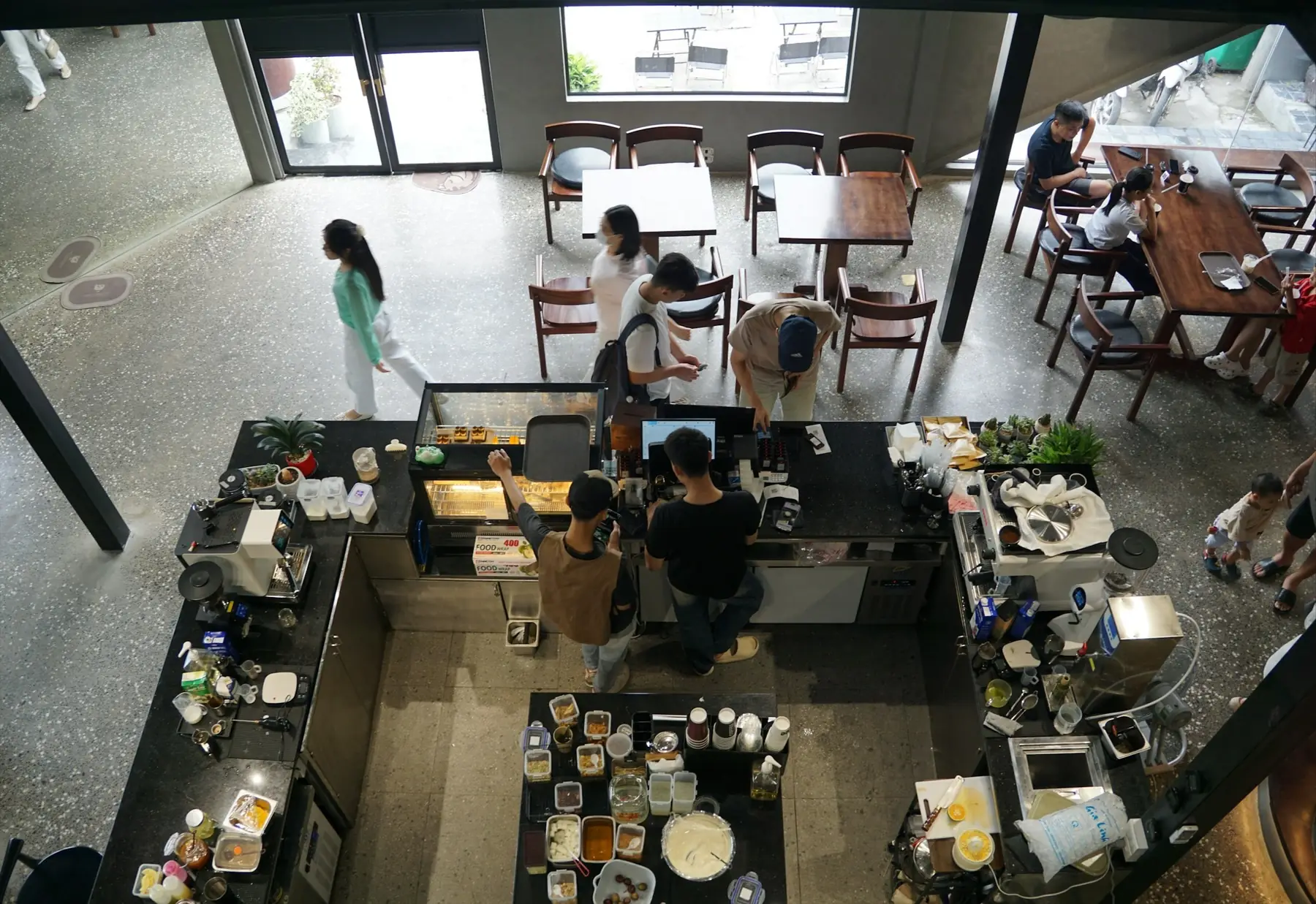
Caffelytics reads your café cameras and counts arrivals, wait times, walkouts and table turnover. It runs on your back-office PC.
Cafés, dessert shops and QSR
Live since September 2026
Shoppers, counted
Retailytics Promotion
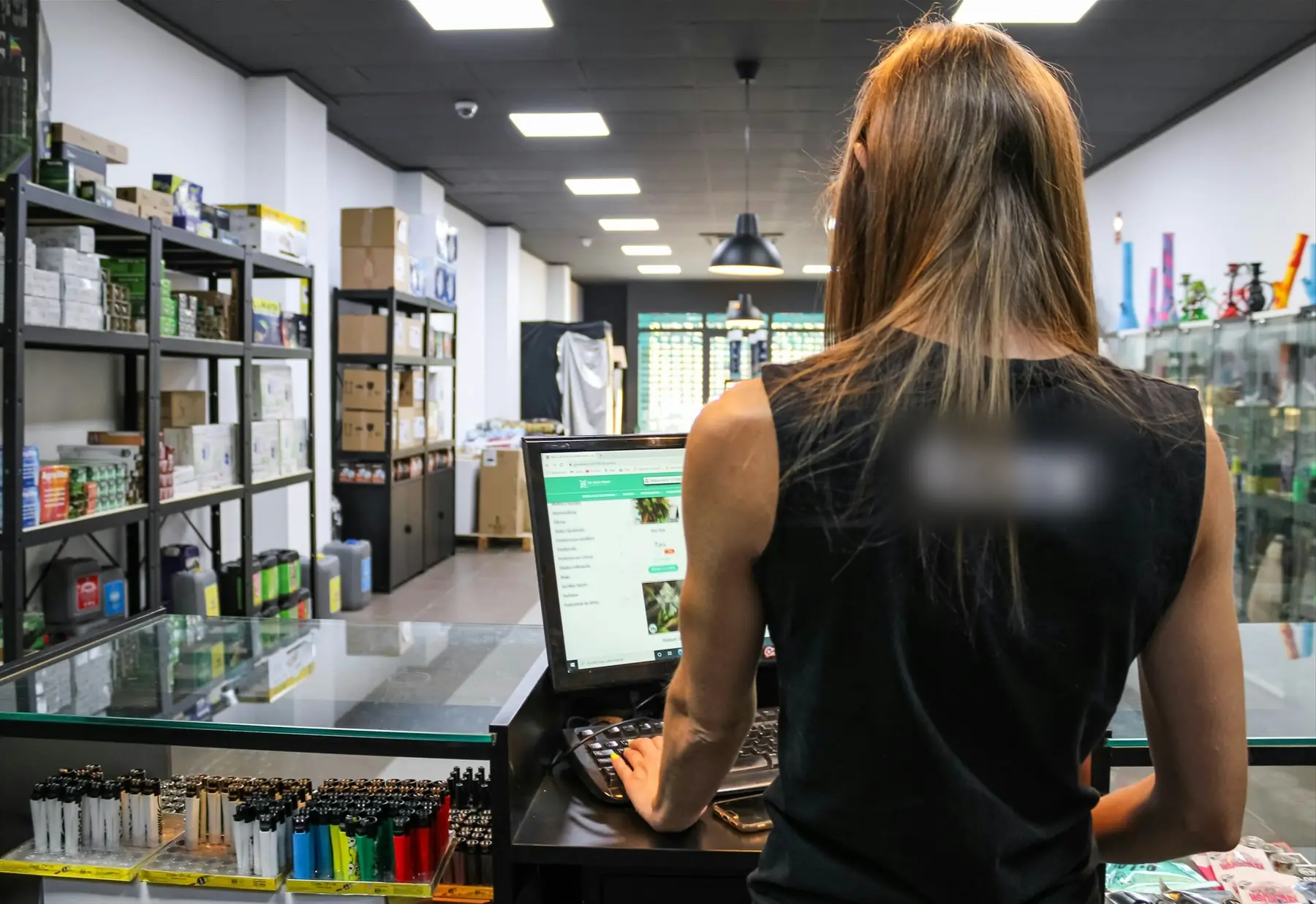
Retailytics counts who comes in, where they go, what they stop at and how long they wait to pay, using the cameras already in your store.
Convenience, grocery and fashion
Live
Loss, flagged
Losslytics Case
Losslytics watches the places where stock goes missing and sends staff a quiet alert, with a short clip kept on the store PC. People decide what happens next.
Jewelry, phones, pharmacy and cosmetics
Early access, pilot partners wanted
Orda, TecHub’s voice agent for phone orders, runs beside Caffelytics in the franchise stores. About Orda
What runs in your store
One app, on one PC
Visendri reads the cameras you already have over your store network and does the counting on an ordinary Windows PC in the back office. One install runs any of the three modules.
How it works
Caffelytics
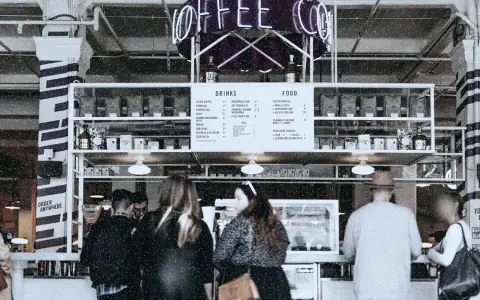
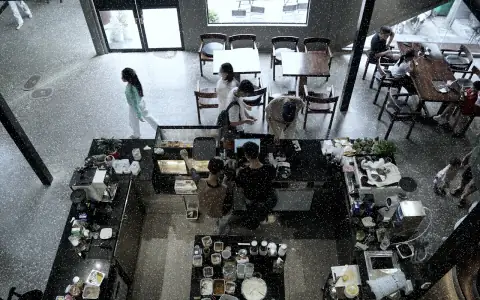
LiveCaffelytics reads your café cameras and counts arrivals, wait times, walkouts and table turnover. It runs on your back-office PC.
What Caffelytics countsRetailytics
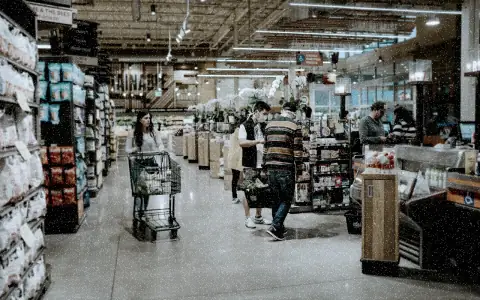
LiveRetailytics counts who comes in, where they go, what they stop at and how long they wait to pay, using the cameras already in your store. It is running with a US convenience chain.
See what Retailytics countsLosslytics
Early accessLosslytics watches the places where stock goes missing and sends staff a quiet alert, with a short clip kept on the store PC. People decide what happens next. The software never accuses anyone.
Become a pilot partnerThe video stays in the store
The video is read on your PC and is never uploaded. Visendri records no sound. It reads pictures only. Nobody is identified: people are counted as anonymous shapes. The counting is done on that PC, not in a cloud.
What is collected and keptHow it works
Connect your cameras
The app reads the camera streams over your store network, on the PC in your back office. Nothing new goes on the ceiling.
Store PC
- CAM 01 ENTRANCE reading
- CAM 02 COUNTER reading
- CAM 03 FLOOR reading
- CAM 04 BACK DOOR reading
The video stays on this PC
Nothing is uploaded to process it.
Draw your zones
Mark the line, the counter and the door on each camera picture. It takes a few clicks per zone, and if a camera moves, your staff redraw it.
Wait to order, weekly average25 NOV
2 min 30 s+0:14
Get your numbers
A dashboard on the PC with every camera in one view, a daily report, and an alert on your phone when something needs a person. The software flags; people decide.
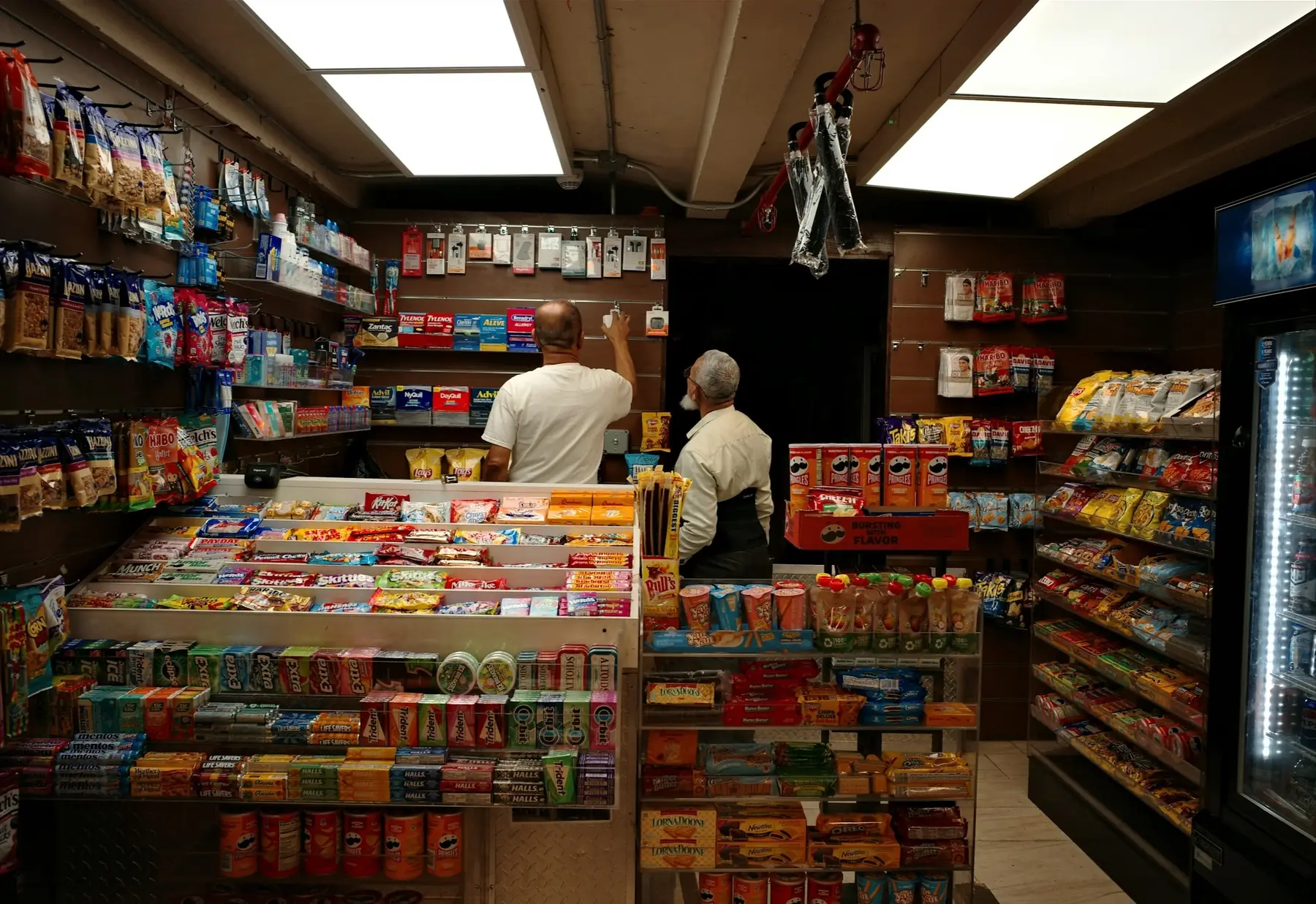
Today
7 walkouts from the line
Open the hour
212 stops at the display
Open the report
Case open, no staff nearby
CAM 03 COUNTER · 14:22 · clip kept
CAM 03 COUNTER14:22
Case open, no staff nearby
A person decides what happens next
As of November 2026
What it takes to start
SetupUp and running
1
day to set up, on your own cameras and one Windows PC in your store.
PilotFree, on your cameras
$0
for the pilot. Its length is agreed with you, and it ends with your findings in money and a price. It never turns into a paid plan without your written yes.
PrivacyNobody identified
0
faces recognized, in any product. People are counted as anonymous shapes.
LiveIn stores now
5
stores of a US ice cream franchise have run Caffelytics since September 2026.
Built for the way your store runs
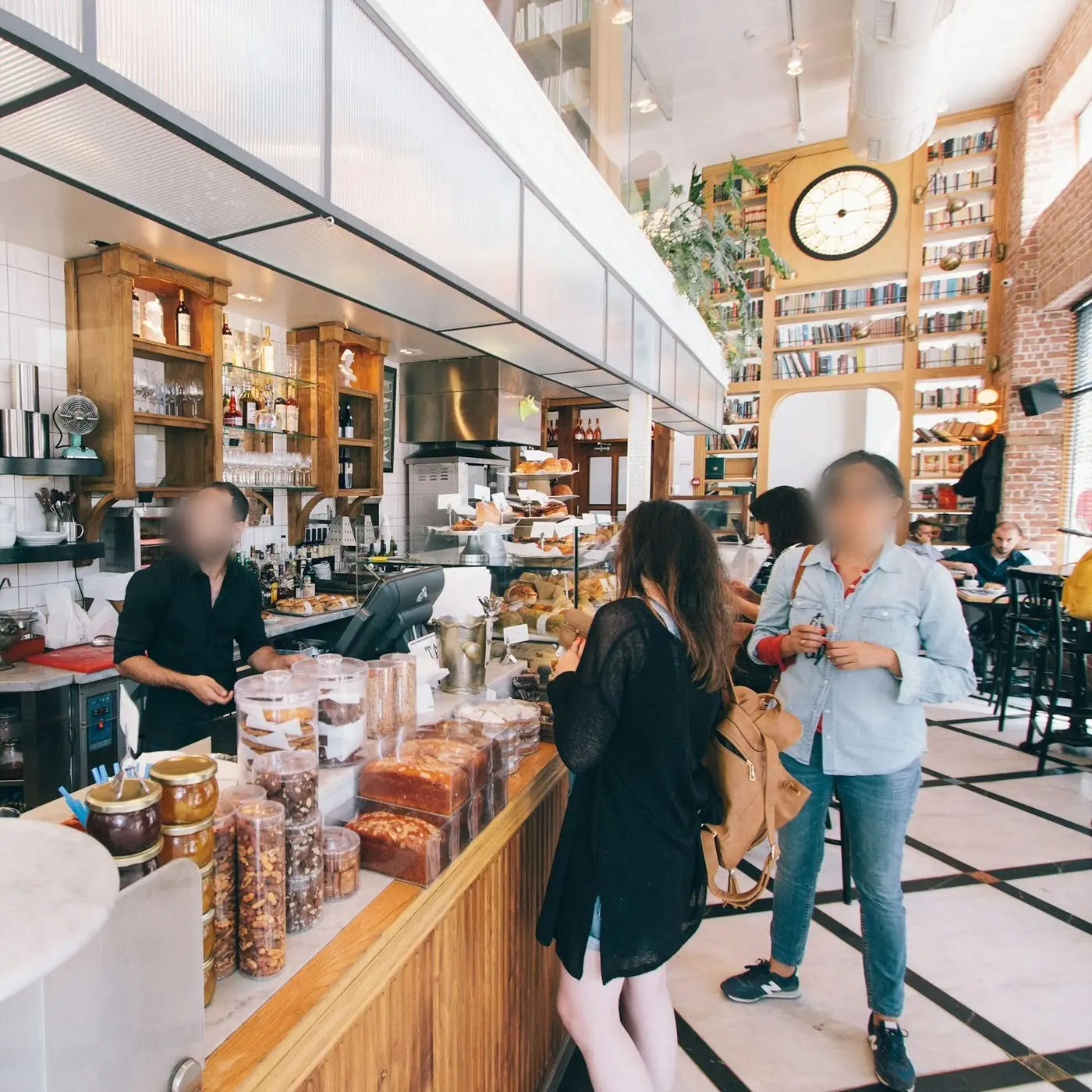
Counter
Line over 6 people
Wait to order 4 min 10 s
Your problems
- You see the sales, not the people who gave up on the line
- The rush feels slow, but nobody has the number
- You cannot tell how often each table turns
What Visendri does
- Counts the line, the wait to order and walkouts from the counter camera
- Shows waits hour by hour, so you can staff the rush
- Times each stay at the tables and counts turnover
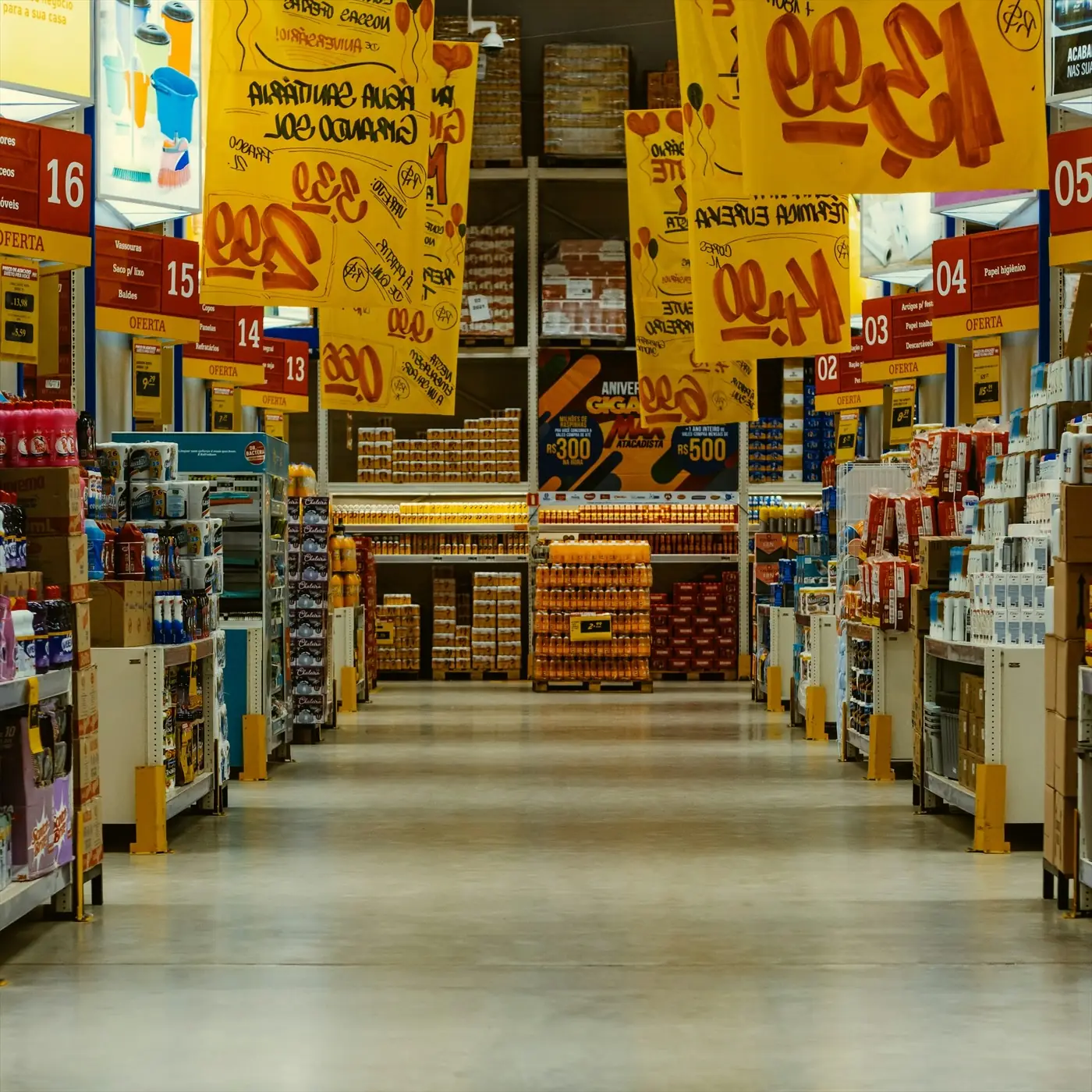
Entries today25 NOV
1,284+6%
Your problems
- Your POS counts buyers, not visitors
- You cannot tell if a display made anyone stop
- The checkout line builds without warning
What Retailytics does
- Counts entries and exits by hour, and people in the store
- Counts stops at a promotion zone against walk-pasts
- Measures the checkout line and the wait to pay

CAM 02 COUNTER16:05
Tray out, no staff nearby
A person checks the clip
Your problems
- Stock goes missing between counts
- Staff cannot watch every tray and case at once
- When something is missing, nobody can find the moment
What Visendri does
- Compares items handed out with items returned, per customer
- Flags a case left open with no staff nearby
- Keeps a short clip with every alert, so a person can check
Daily report ready
Waits, walkouts and alerts for yesterday
Your problems
- Video platforms send your footage to their cloud
- A contract starts before you see any results
- Moving a camera means a support ticket
What Visendri does
- Runs on one PC in your store, and the video stays there
- A pilot first, then a price per store in writing
- Your staff redraw zones themselves, in the app
Questions owners ask first
More about the pilotDo I need new cameras?
No. Visendri reads IP cameras that give out an RTSP stream, which is the normal kind. Before a pilot you send one screenshot from each camera, and we tell you which views work as they are.
If a camera is analog or sits behind an old recorder, we check it first and say plainly whether it will work.
Does video leave my store?
No. The software runs on a PC inside your store and the video is processed there, not in a cloud. Alert clips stay on your PC too.
If you switch on alerts to a phone, only the alert text goes to the phone: what happened, on which camera and when. No video or pictures are sent.
If you switch on the written daily summary in Caffelytics, which is off to begin with, the day’s totals are sent as numbers to an outside company whose software writes it. Video is never sent.
Do you use face recognition?
No, in any product. People are counted as anonymous shapes that the software follows only while they are in view. Nothing is matched to a name, a photo or an earlier visit.
What PC do I need?
An ordinary Windows PC without a graphics card. We check your PC during the camera check, before anything is installed, and tell you if it is enough.
Can I change camera views myself?
Yes. A zone is a rectangle you draw on the camera picture: the line, the counter, the door. If a camera moves or you rearrange the floor, you redraw the zone in the app. No engineer needed.
What happens after the pilot?
At the end of the pilot you get your findings stated in money, and a price for continuing. If you want to carry on, you say so in writing. If you do not, we remove the software.
The pilot never turns into a paid plan on its own.
Pilot
Try it on your own cameras first.
No cost, and set up in one day.
Free, on the cameras you already have, and set up in one day. At the end of the pilot you get your findings in money and a price, and you decide.
- Day 0: a call and one screenshot per camera
- Day 7: your first-week report
- Never a paid plan without your written yes